Upgrading WiFi is straight forward, what needed are the usual ISP PPPoE username and password.
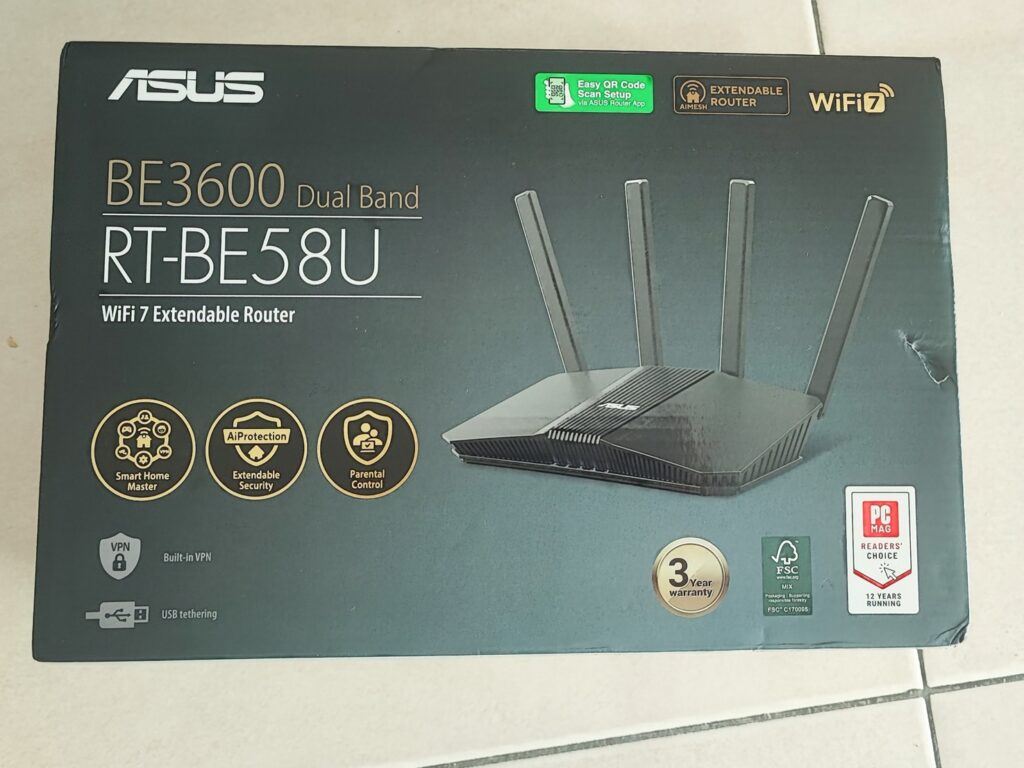
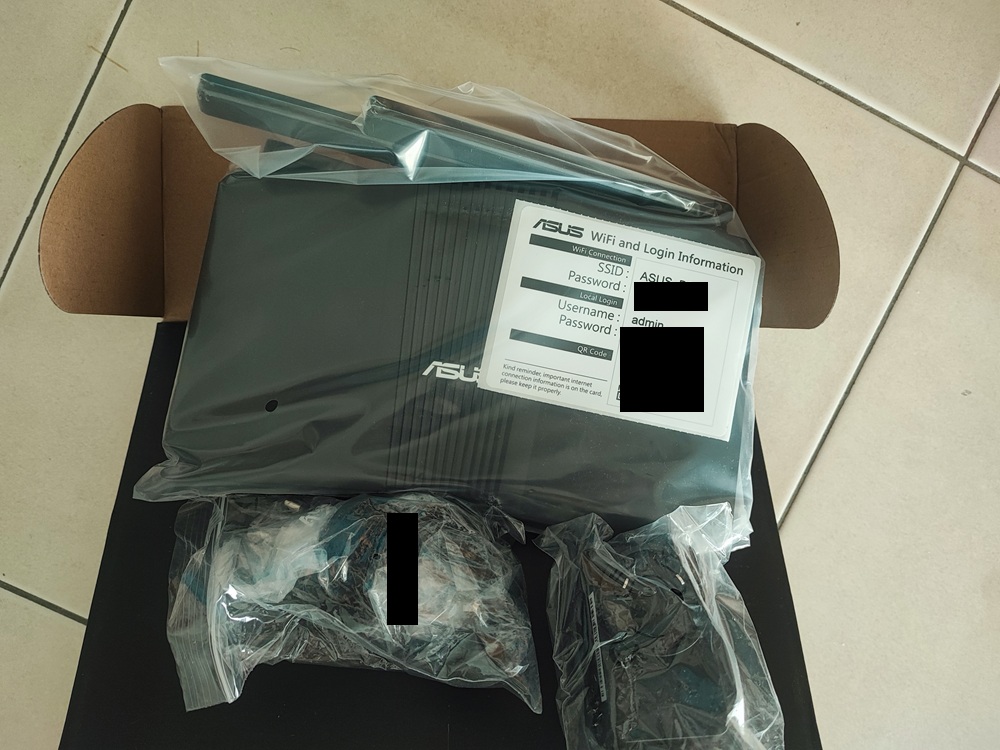
Out of the box, the ASUS BE3600 RT-BE58U contains factory generated password.
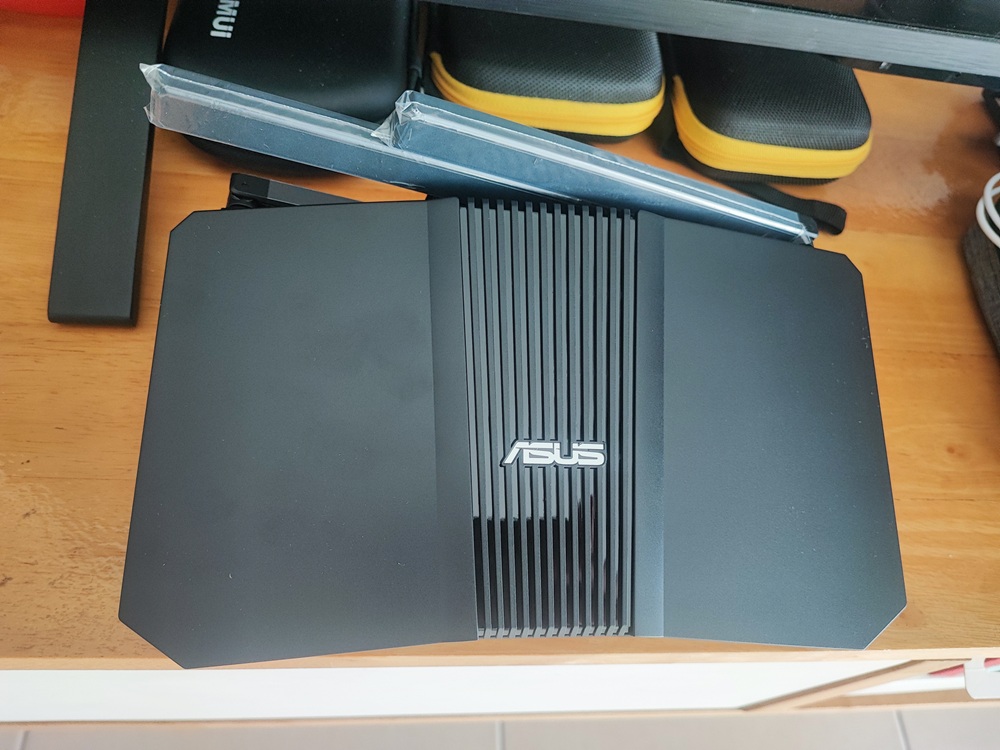
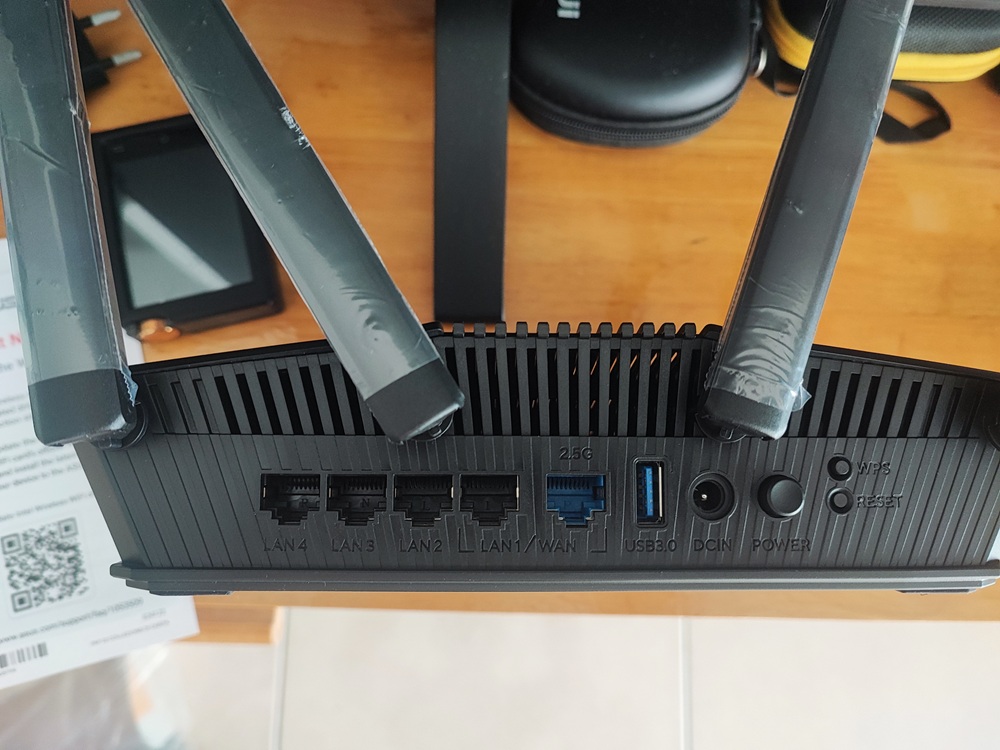
Factory generated password are found in the ASUS BE3600ASUS BE3600 top viewASUS BE3600 ports
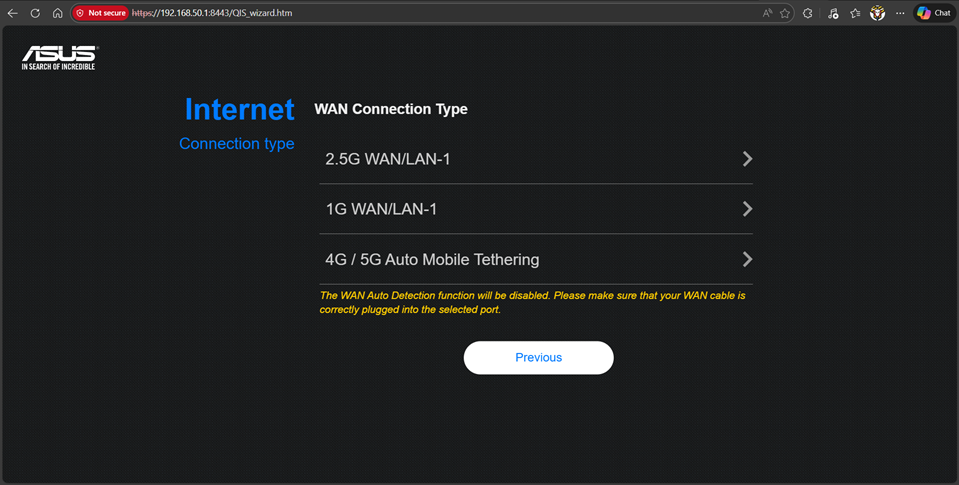
The 2.5G port is specialized for 2.5G WAN. For users which has ISP plan less than 2.5GB, use the LAN1 which is doubles as the 1G WAN.
Upon connecting all the cables, and power up. Connect to the ASUS_AO default AP name. Browse to the https://192.168.0.1 . Login to using the factory provided admin and password. First time access will be redirected to the initial WiFi web based setup wizard.
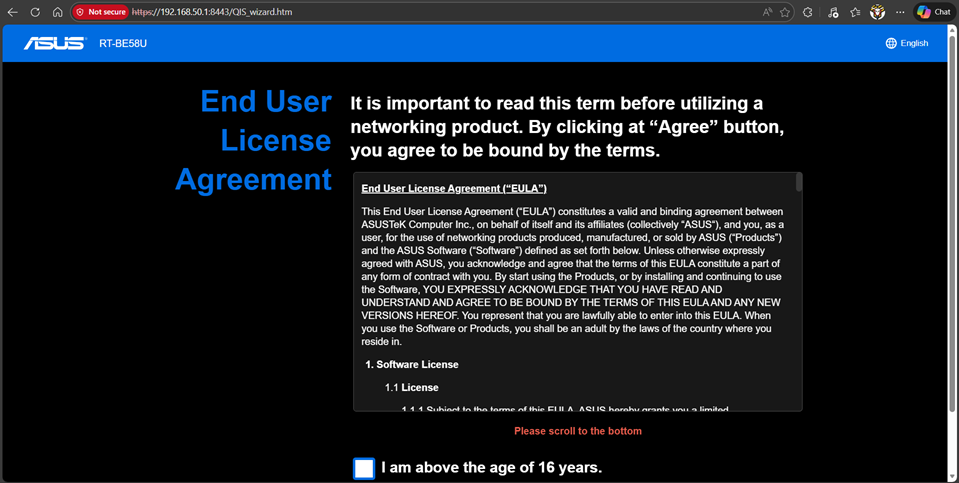
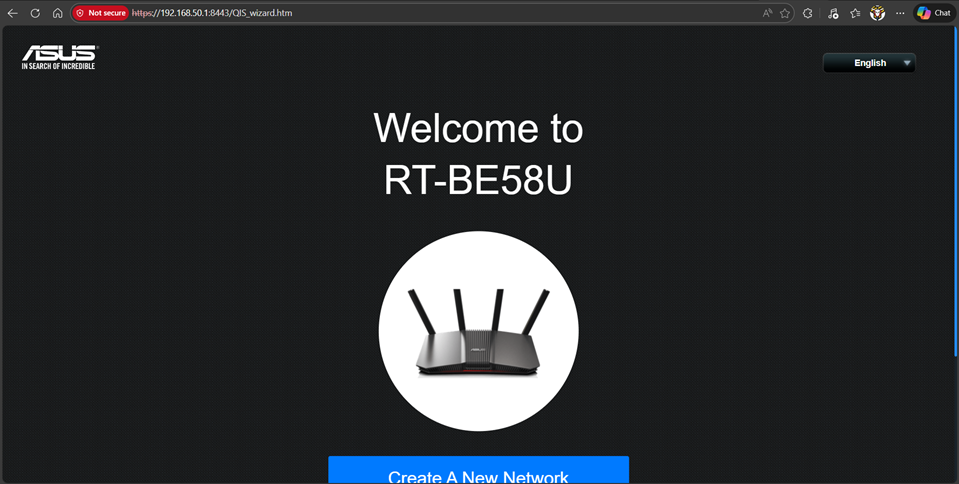
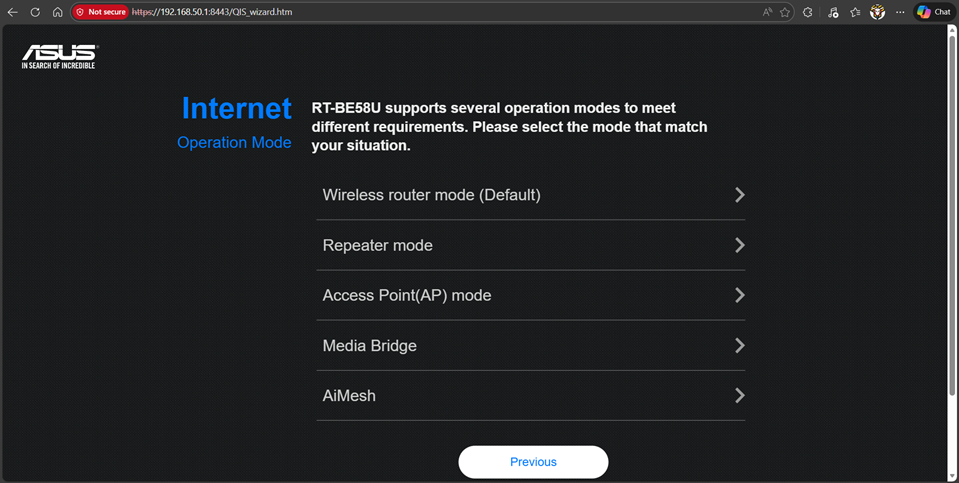
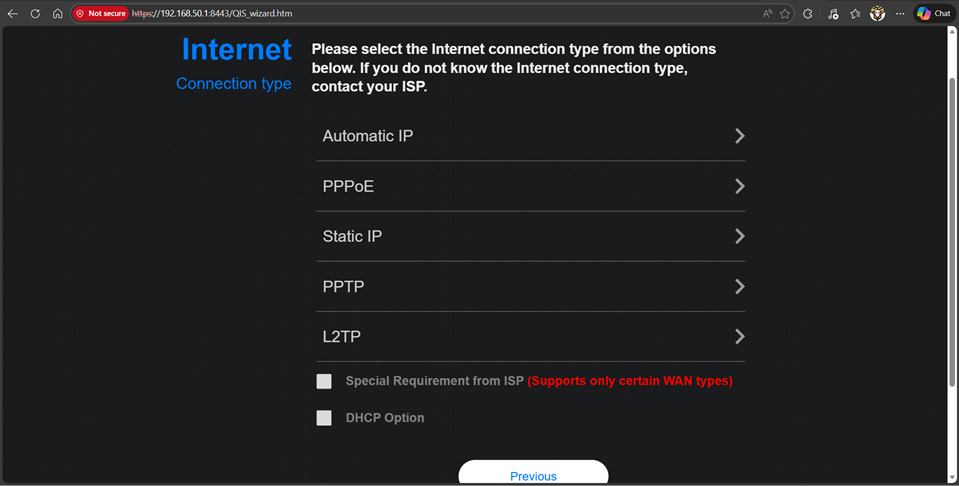
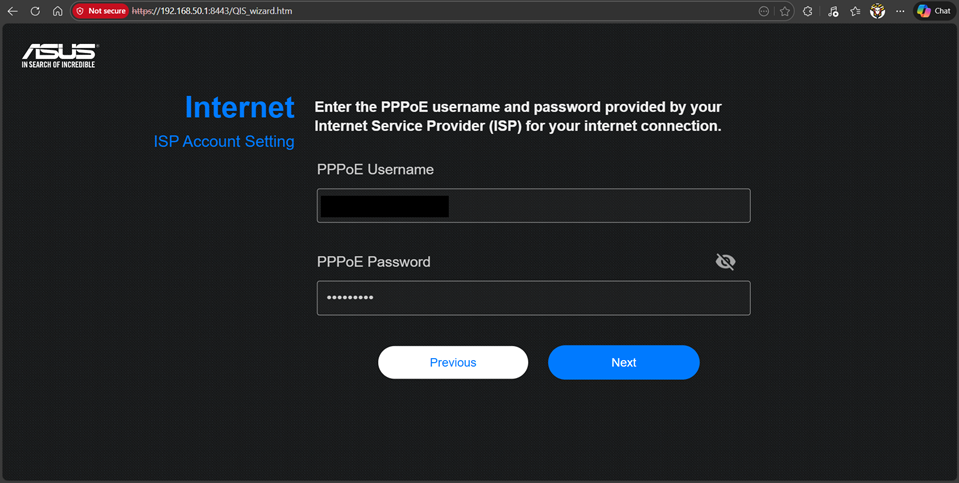
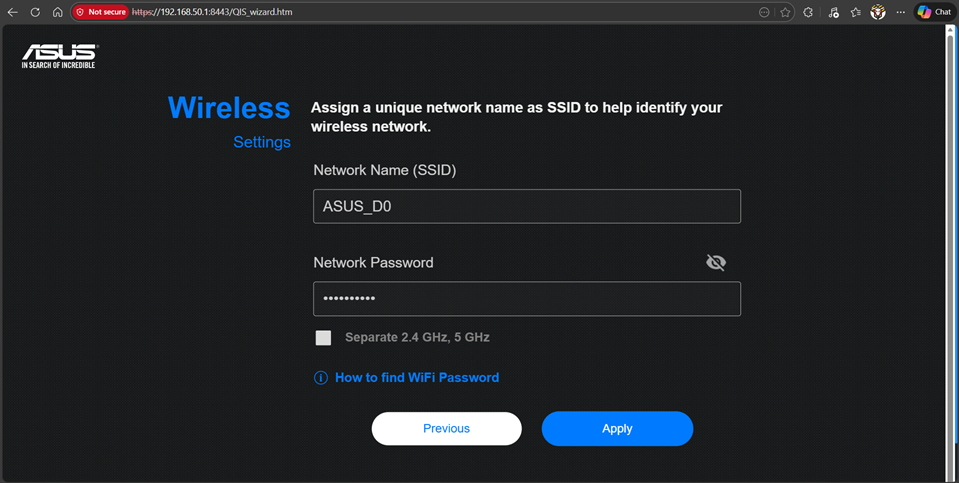
Landing page of web based setup wizardNext page accepting the agreementSelect the “Wireless router mode (Default)”, for most ISP which commonly using PPPoESelect 1G WAN/LAN-1 to match with ISP plan, make sure the PPPoE are connected to LAN1Select PPPoE to setup internet connection, ensure that ISP provided PPPoE username and password are used for the next step of the wizardUse the ISP provided username and password for the Internet settings part of the wizardFactory default AP name and password
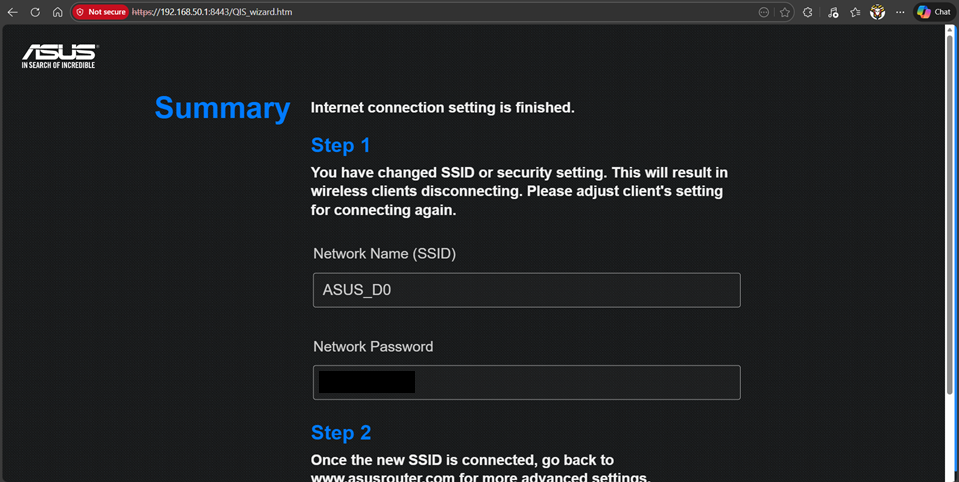
During my configuration, I have left the AP name and password to follow the factory default, that is to avoid possible interruption of configurating the Wifi. Reason is I am connected to the WiFi router via WiFi.
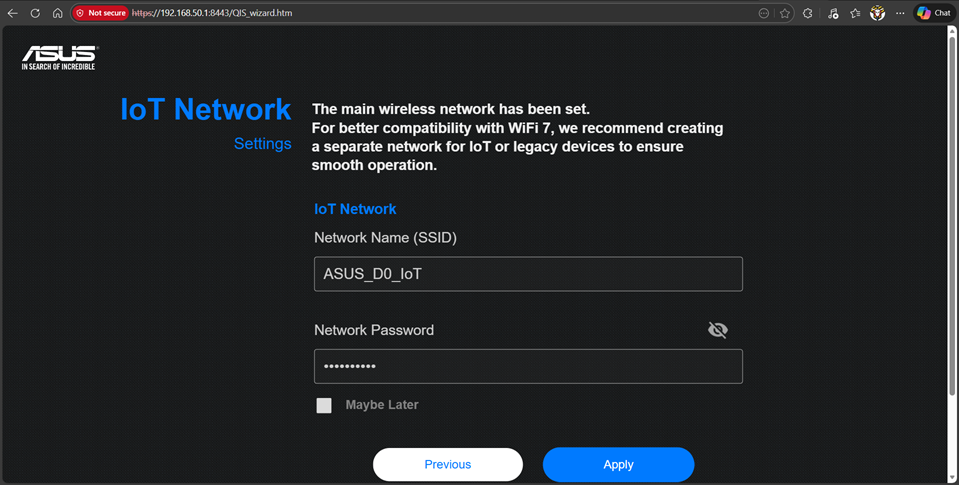
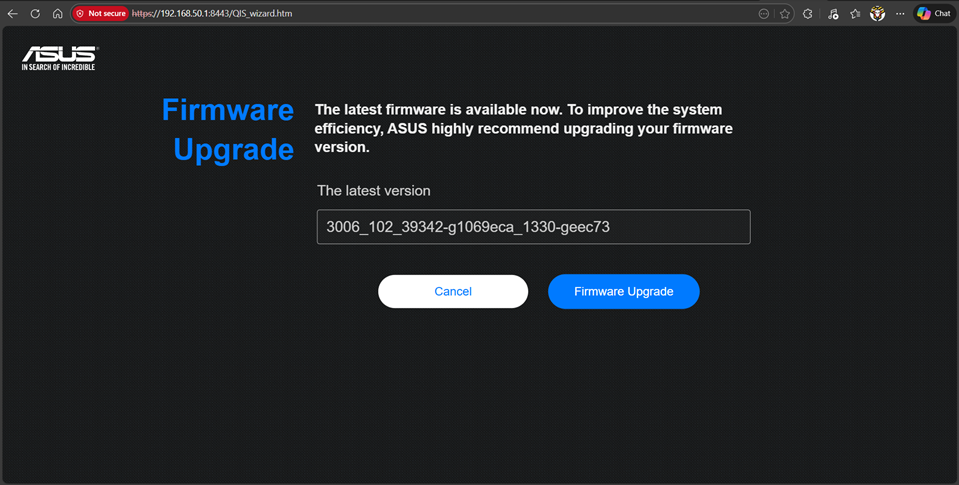
Skipped by checking the “Maybe later” as home does not use IoTthe Wifi router was manufactured in 2025, hence upgrade the firmware
Firmware upgrade is not possible if internet configuration are not done properly.
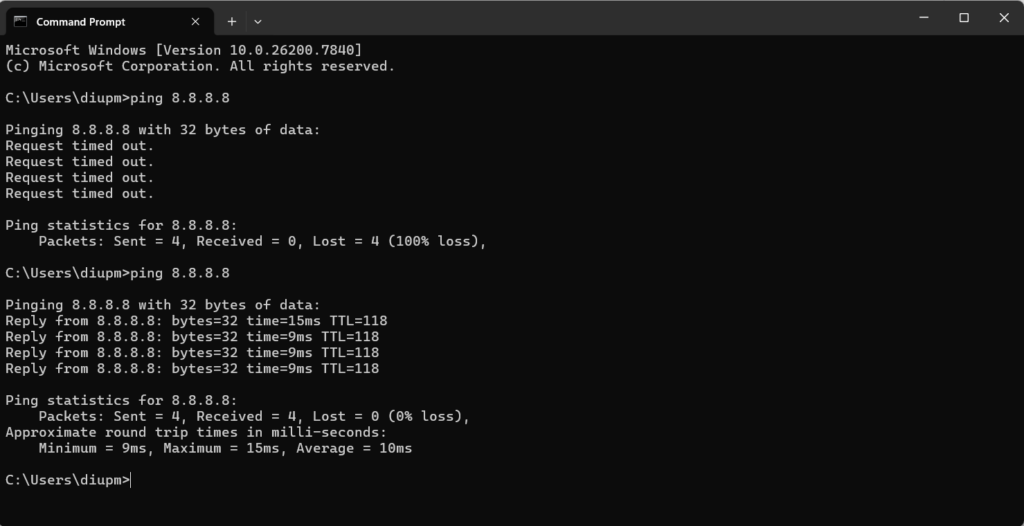
Before upgrading the firmware, check the connection using ping.
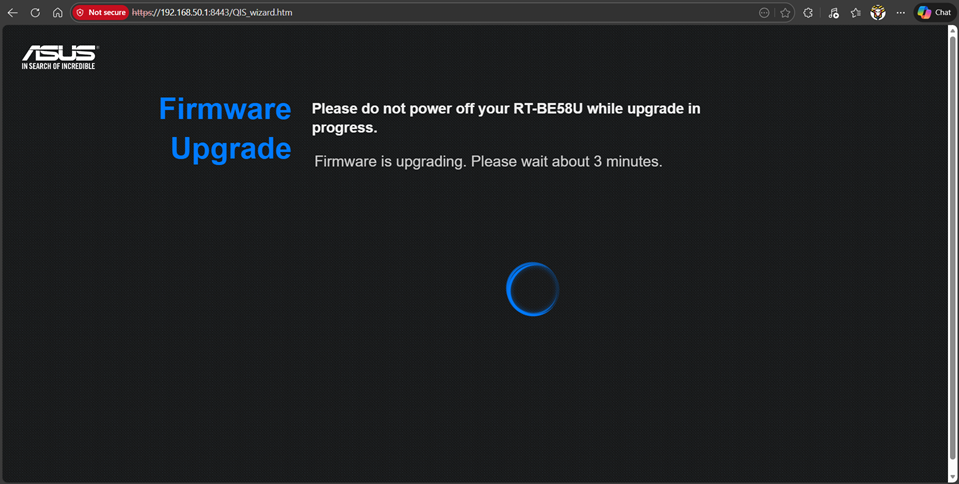
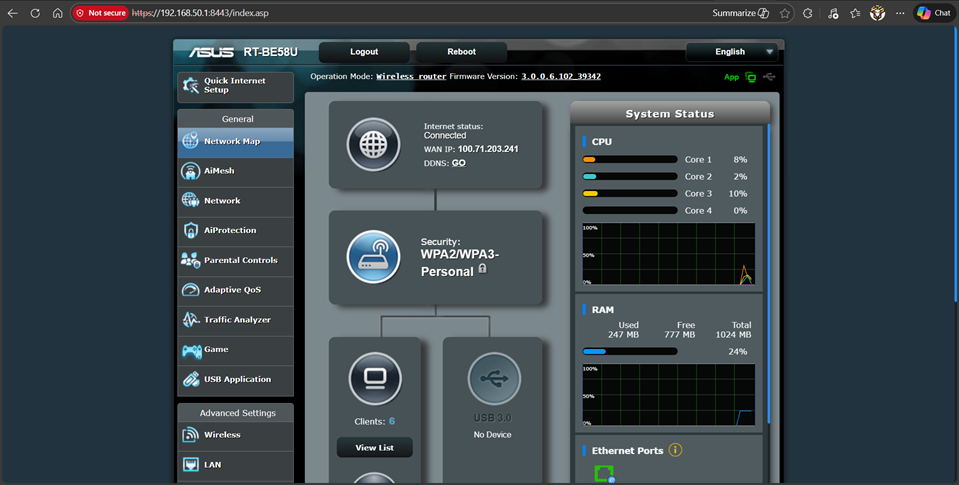
Initial ping gives time out, upon internet configuration are completed, ping will be successfulFirmware upgrade in progressFinal step, the WiFi will reinitializedWhen the WiFi router is completed with internet connection is successful