Based on Wazuh official documentation Wazuh Docker deployment – Deployment on Docker · Wazuh documentation
TLDR; just need to have docker engine installed on your favorite OS.
The next thing to do is to ensure your OS has a git client and run the following to clone Wazuh into your machine
git clone https://github.com/wazuh/wazuh-docker.git -b v4.12.0Next, generate the certificates that are needed by Wazuh to work. Make sure to decide to run on a single node or multinode indexer Wazuh. Go to the appropriate directory from the cloned Wazuh git repo. Then run
sudo docker-compose -f generate-indexer-certs.yml run --rm generator
If you are using the newer version aka Version 2 docker compose run the following instead
sudo docker compose -f generate-indexer-certs.yml run --rm generator
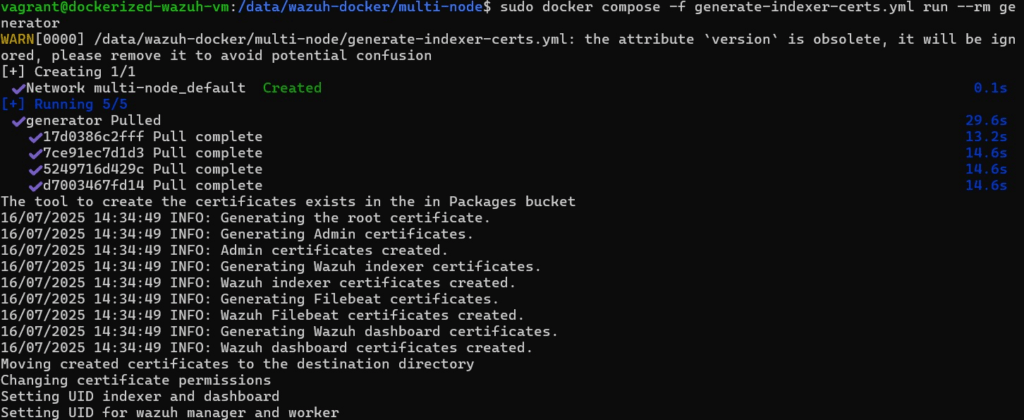
Once the certificate is installed, go to the correct directory then run the following:
sudo docker-compose up -d
Again, should version 2 of docker compose is used run the following instead
sudo docker compose up -d
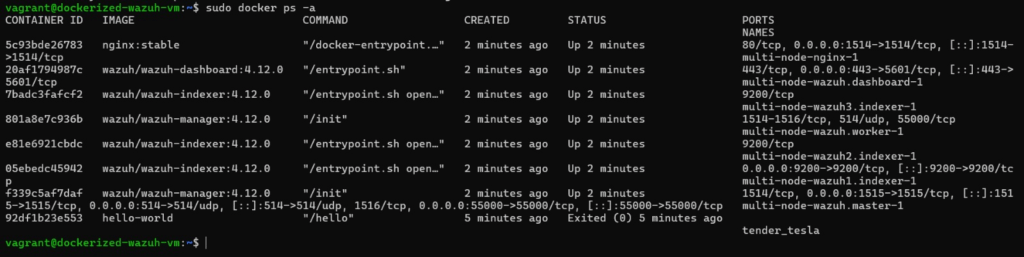
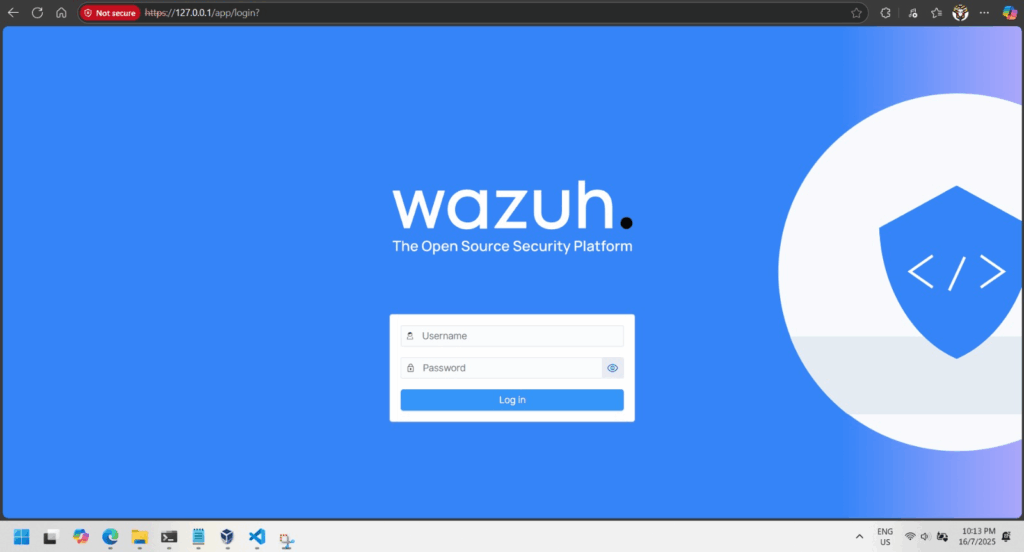
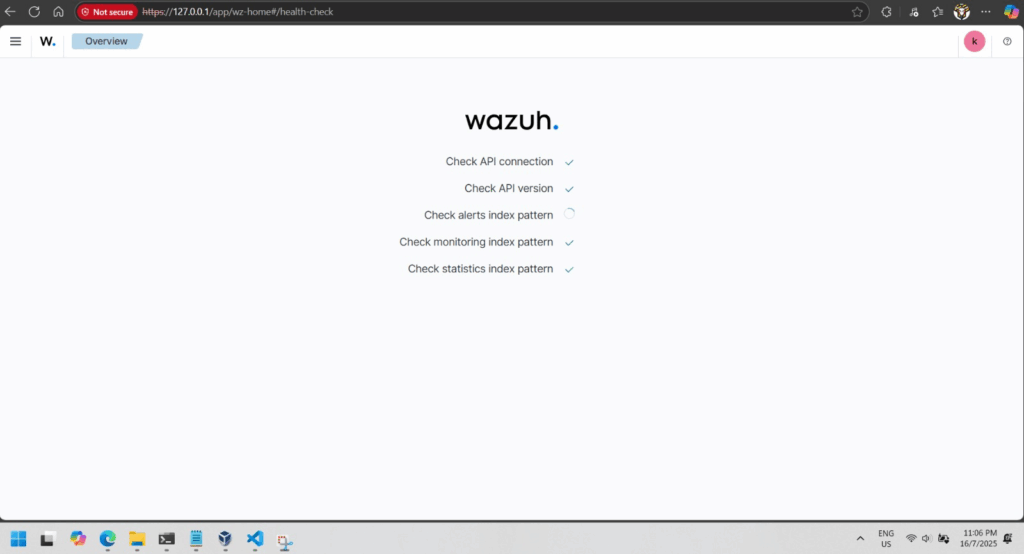
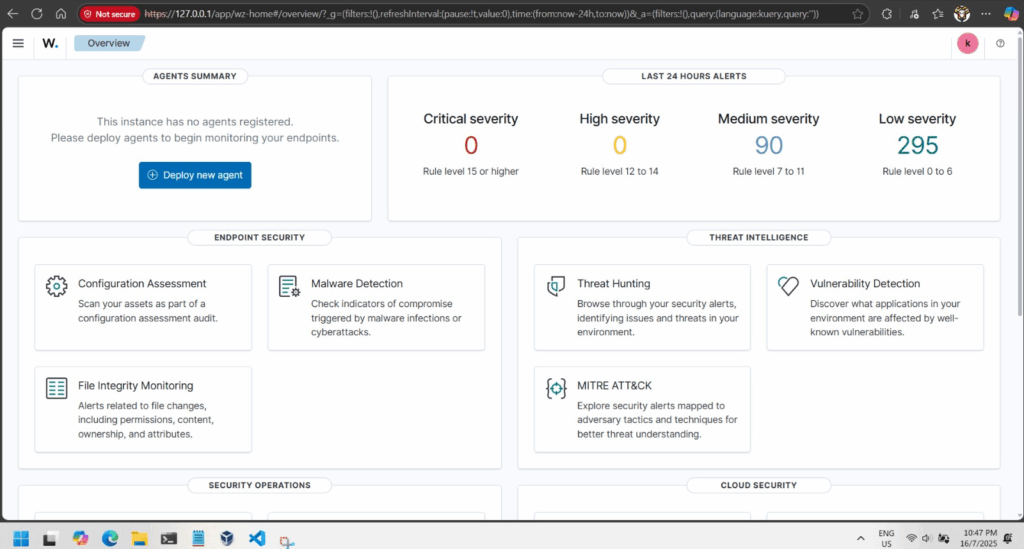
If everything is good you will be able to browse to your Wazuh dashboard in a minute or 2.