Quickly installing wazuh into docker environment

Based on Wazuh official documentation Wazuh Docker deployment – Deployment on Docker · Wazuh documentation

TLDR; just need to have docker engine installed on your favorite OS.

The next thing to do is to ensure your OS has a git client and run the following to clone Wazuh into your machine

git clone https://github.com/wazuh/wazuh-docker.git -b v4.12.0

Next, generate the certificates that are needed by Wazuh to work. Make sure to decide to run on a single node or multinode indexer Wazuh. Go to the appropriate directory from the cloned Wazuh git repo. Then run

sudo docker-compose -f generate-indexer-certs.yml run --rm generator

If you are using the newer version aka Version 2 docker compose run the following instead

sudo docker compose -f generate-indexer-certs.yml run --rm generator
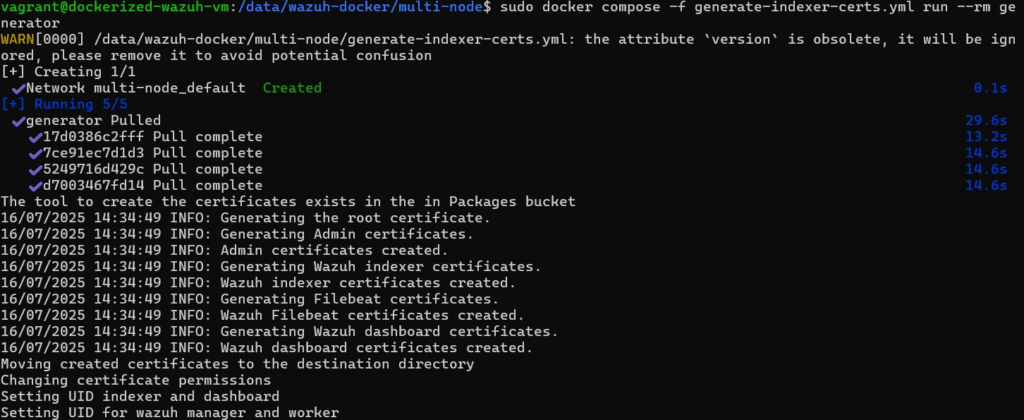
Once certificate are generated correctly

Once the certificate is installed, go to the correct directory then run the following:

sudo docker-compose up -d

Again, should version 2 of docker compose is used run the following instead

sudo docker compose up -d
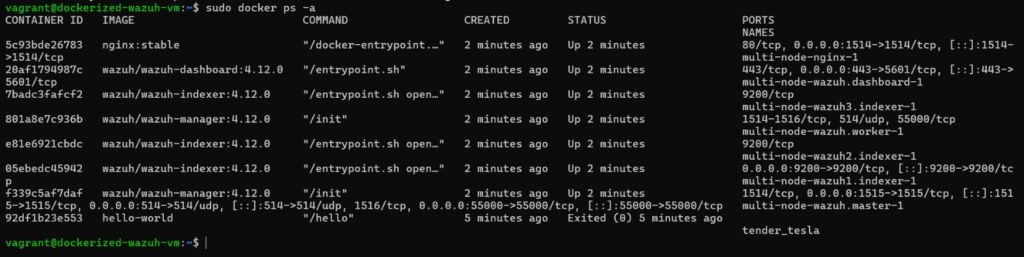
Wazuh multinode when running correctly

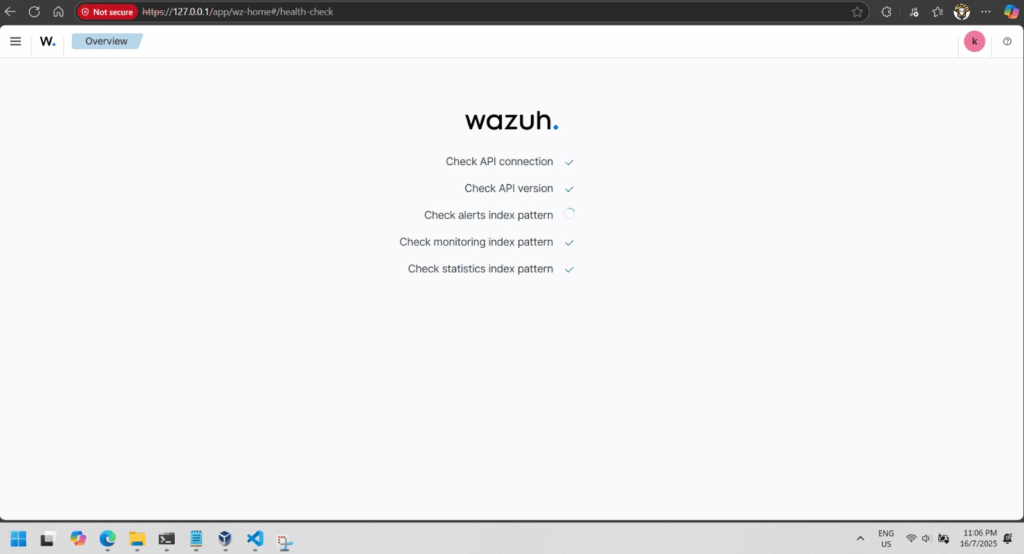
If everything is good you will be able to browse to your Wazuh dashboard in a minute or 2.
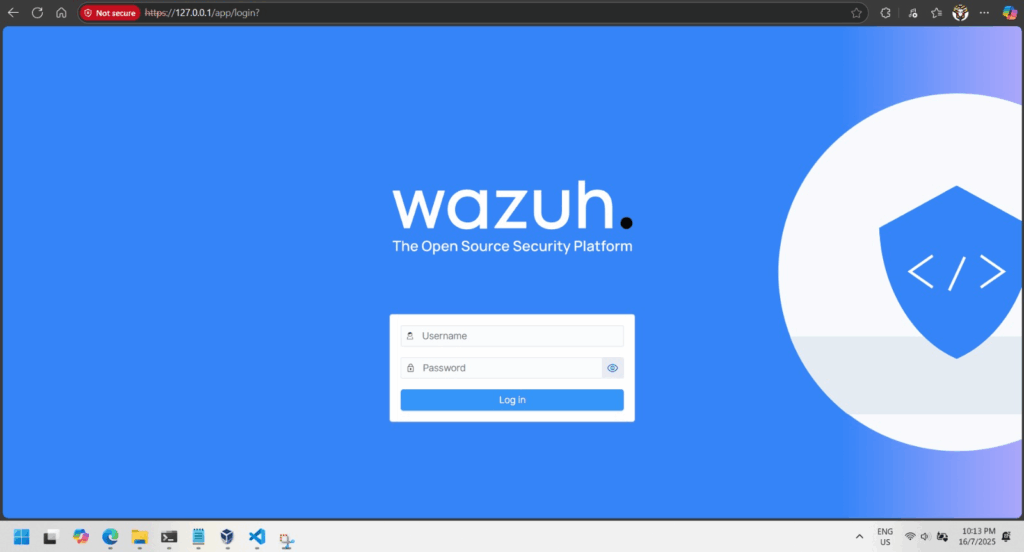
Wazuh dashboard login
First time login into Wazuh dashboard
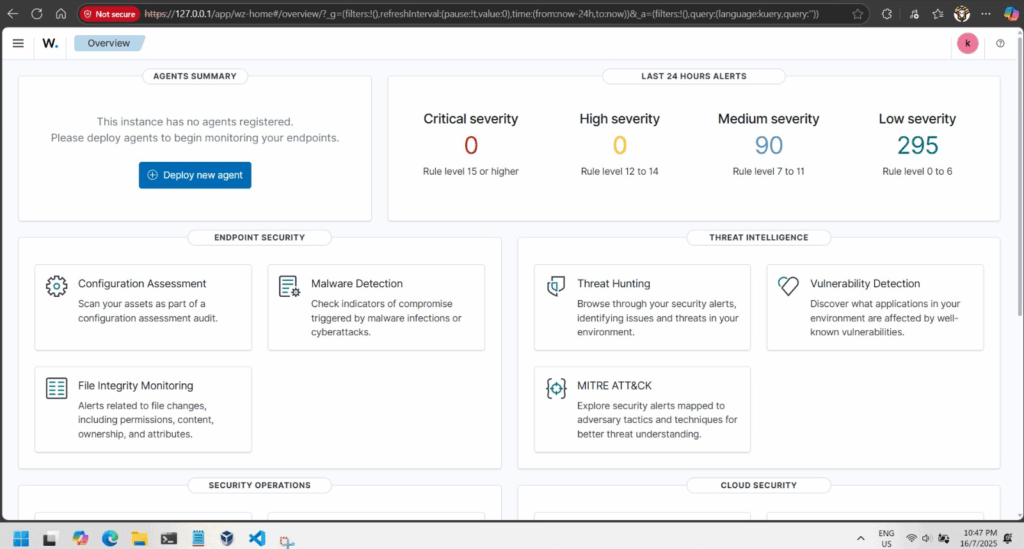
Wazuh Dashboard overview
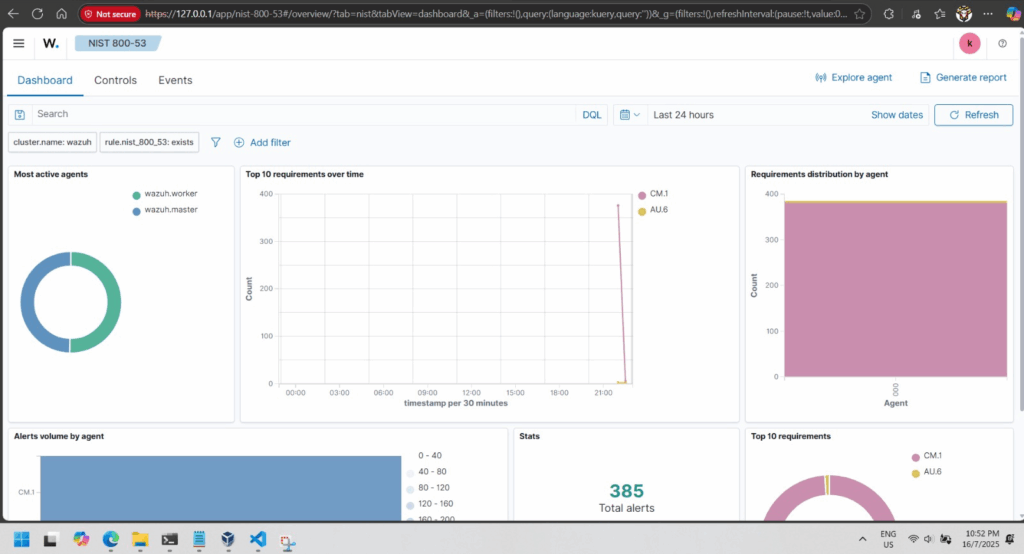
Security warning or violation visualized

Using Wazuh to Secure Systems from the Wild Web

Wazuh SIEM (Security Information and Event Management) platform can help protect systems.

Wazuh SIEM Solution

Wazuh is a free, open-source tool that monitors systems, detects attacks, and logs security events.

It consists of:

  • Wazuh Server (collects and analyzes logs).
  • Wazuh Agents (installed on devices to send logs).
  • Wazuh Dashboard (visualizes threats and alerts).

Simulated Attacks & Findings

  • Brute Force Attacks: Hackers try guessing passwords repeatedly. Wazuh detects and blocks these attempts.
  • SQL Injection: Hackers inject malicious code into websites. Wazuh logs and prevents unauthorized access.
  • Shellshock Attack: Exploits a Linux vulnerability. Wazuh identifies and stops such attempts.

Security Recommendations

  • Regularly update software to fix vulnerabilities.
  • Use strong passwords and multi-factor authentication.
  • Monitor systems with tools like Wazuh to detect threats early.

Conclusion
Wazuh helps organizations detect, analyze, and respond to cyber threats before they cause harm. By implementing strong security measures, users can protect their systems from the dangers of the “Wild Web.”

Final Thought: Cybersecurity is essential—tools like Wazuh make it easier to stay safe online!