Quickly installing wazuh into docker environment

Based on Wazuh official documentation Wazuh Docker deployment – Deployment on Docker ยท Wazuh documentation

TLDR; just need to have docker engine installed on your favorite OS.

The next thing to do is to ensure your OS has a git client and run the following to clone Wazuh into your machine

git clone https://github.com/wazuh/wazuh-docker.git -b v4.12.0

Next, generate the certificates that are needed by Wazuh to work. Make sure to decide to run on a single node or multinode indexer Wazuh. Go to the appropriate directory from the cloned Wazuh git repo. Then run

sudo docker-compose -f generate-indexer-certs.yml run --rm generator

If you are using the newer version aka Version 2 docker compose run the following instead

sudo docker compose -f generate-indexer-certs.yml run --rm generator
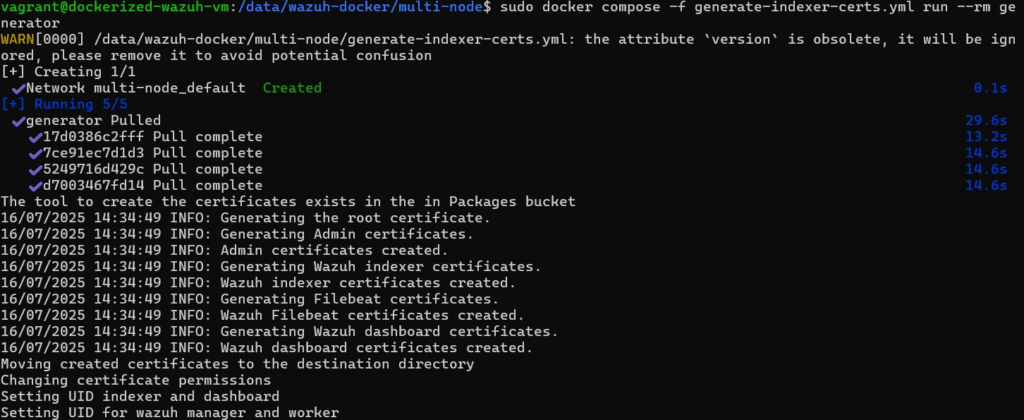
Once certificate are generated correctly

Once the certificate is installed, go to the correct directory then run the following:

sudo docker-compose up -d

Again, should version 2 of docker compose is used run the following instead

sudo docker compose up -d
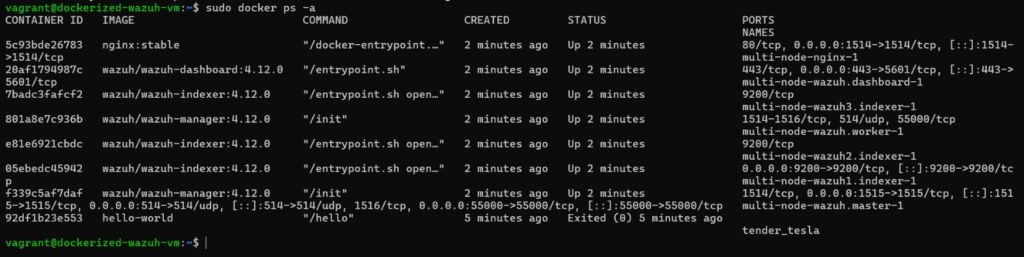
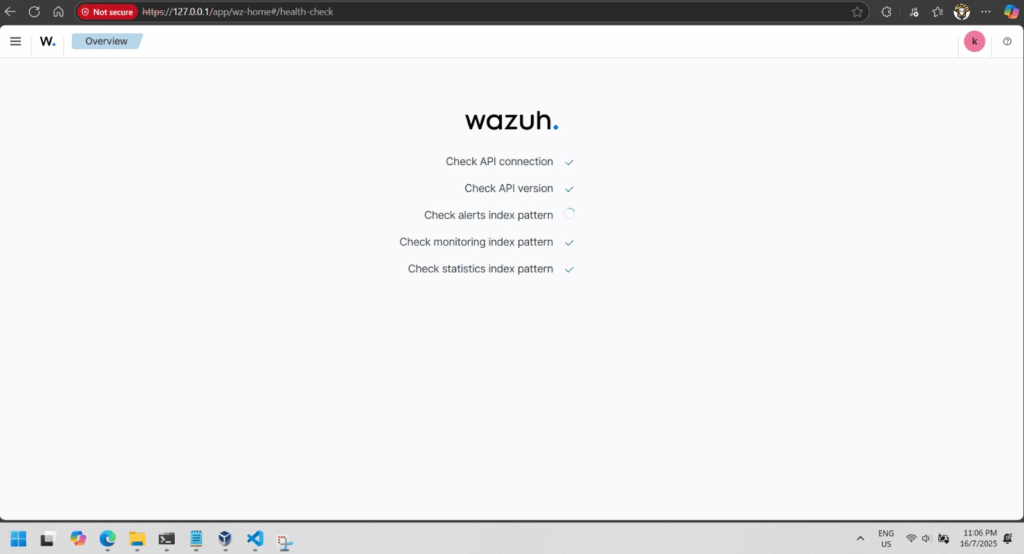
Wazuh multinode when running correctly

If everything is good you will be able to browse to your Wazuh dashboard in a minute or 2.
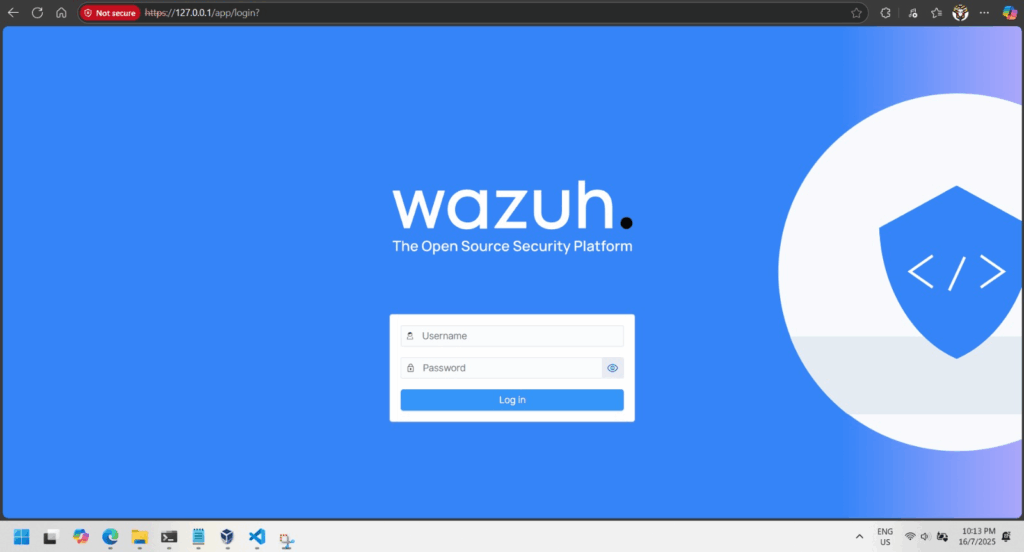
Wazuh dashboard login
First time login into Wazuh dashboard
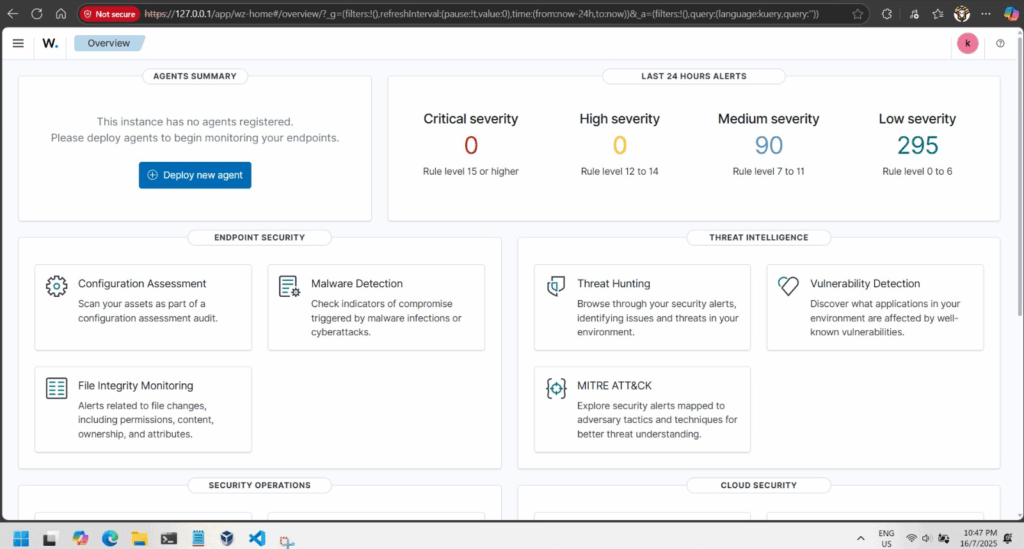
Wazuh Dashboard overview
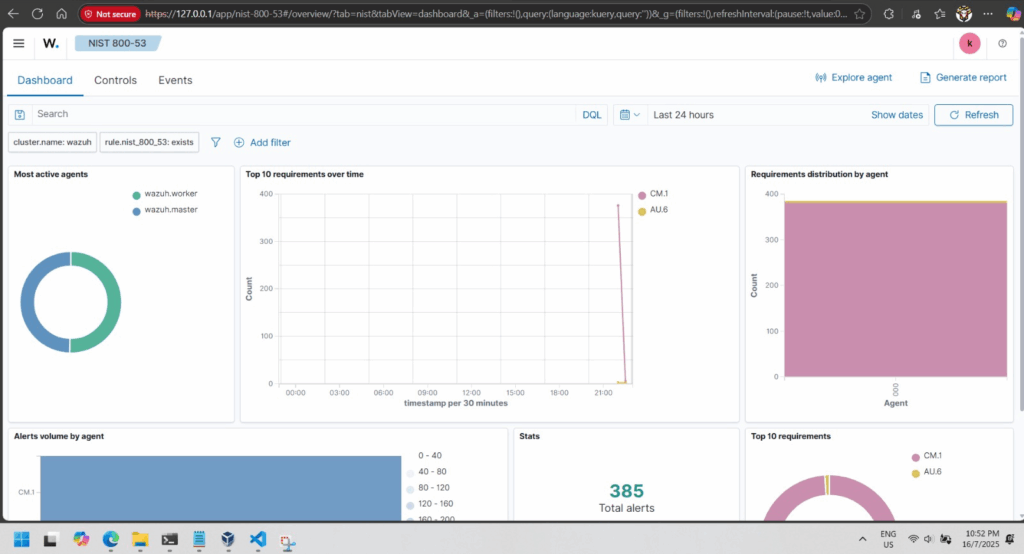
Security warning or violation visualized

ElasticSearch 8.12 kibana cluster using vagrant and docker compose

Pre-requisite:
– VirtualBox 7.0.14
– Vagrant 2.4.1
– Windows 10 or better OS
– 16GB RAM (10GB RAM are required for creating ElasticSearch with kibana; 1GB and 2 x ElasticSearch node; 4GB each, rest of the RAM for VM host OS)

Overview:
There are 2 layers of virtualization, first the Virtual Box, then the docker engine running in the Virtual Box VM running on Ubuntu 20.04 focal.

Orchestration used in the host OS level; Windows 10 are the hashicorp vagrant. The vagrant is used to configure the VM Ubuntu OS to be configured to run properly configured docker and Ubuntu 20.04.

Then docker compose v2 are used to create the ElasticSearch 8.12 cluster or stack.

The downside of this example, vagrant up needs to be run initially to configure the VM Ubuntu 20.04 OS. I have yet to discover if Vagrant has the ability to bootstrap grub and configuring the sysctl to allow the docker engine to run properly with the ElasticSearch 8.12 stack.

Continue reading