Like all AI project, data collection is needed. Treating health improvement program as a sports science requires basic information such as heart rate, and training regime logs.
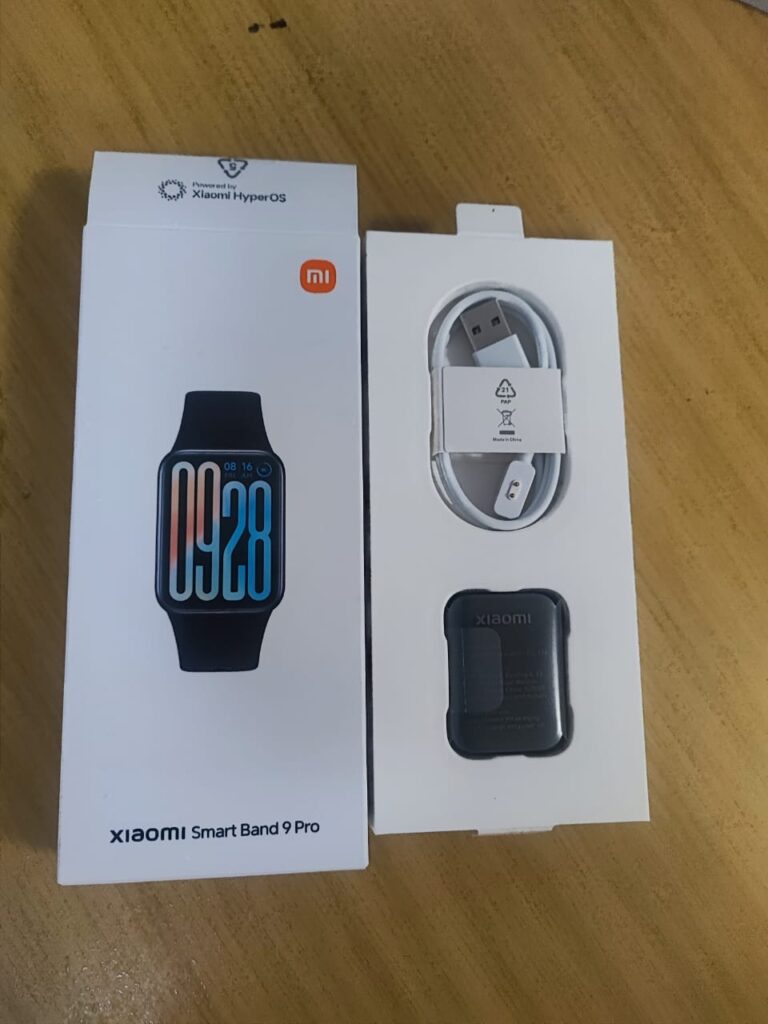
I have started knowing nothing of the metrics other than using intuitively data gathered from smart devices such as the Xiaomi Smart Band 9 Pro which I had bought in late June 2025.
It is a commitment to start a healthy lifestyle; as a sunken cost fallacy to start working out using data driven motivation for self-improvement.
A device to get data of your health, Xiaomi Smart Band 9 Pro
It has a for android, the Mi Fitness which will provide telemetry needed.
Most of the bursary apps in Malaysia does not have the mechanism to perform full subscription to right issue on your counter.
The most the app could do is to sell or start the right issue from the app.
Instead of selling the right issue from the app as an immediate profit. To buy the subscription, the person of interest needs to “bid” to buy the numbers of right issue from the app. After bidding the right issue, it does not means you have subscribed fully. You have just buy the right to subscribe to the right issue.
Luckily my remiser has helped me through the process.
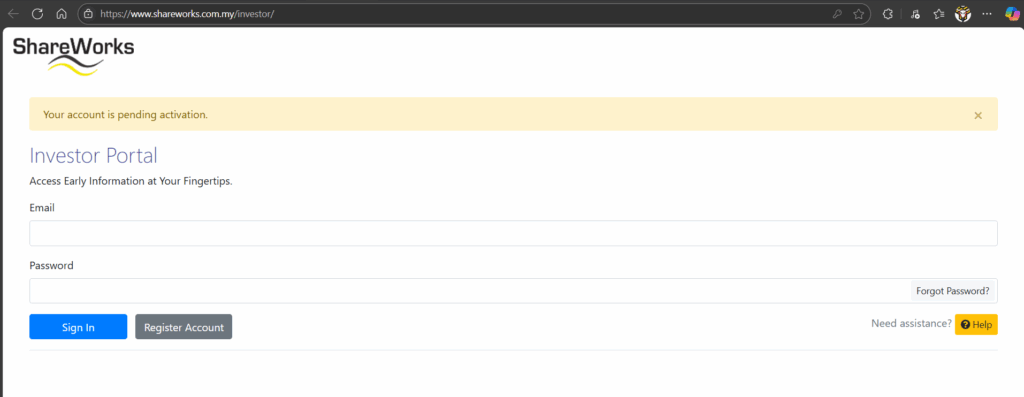
Once, upon subscription go to other 3rd party such as Shareworks to create your account. Do follow up with the staffs for the activation of the account once expedited by your remiser it may take a single working day. Make sure you have your CDS account number. Get it from your remiser or from your bursary statement.
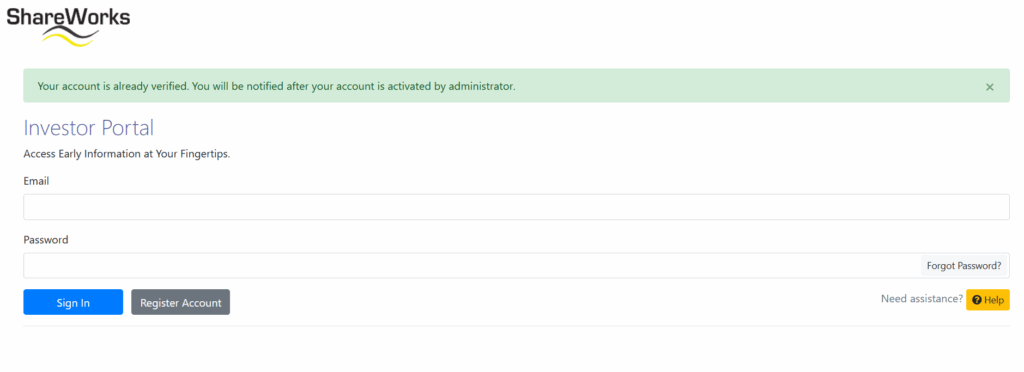
After an account is created this is the expected response from the websiteUpon activation, wait for the account to be verified
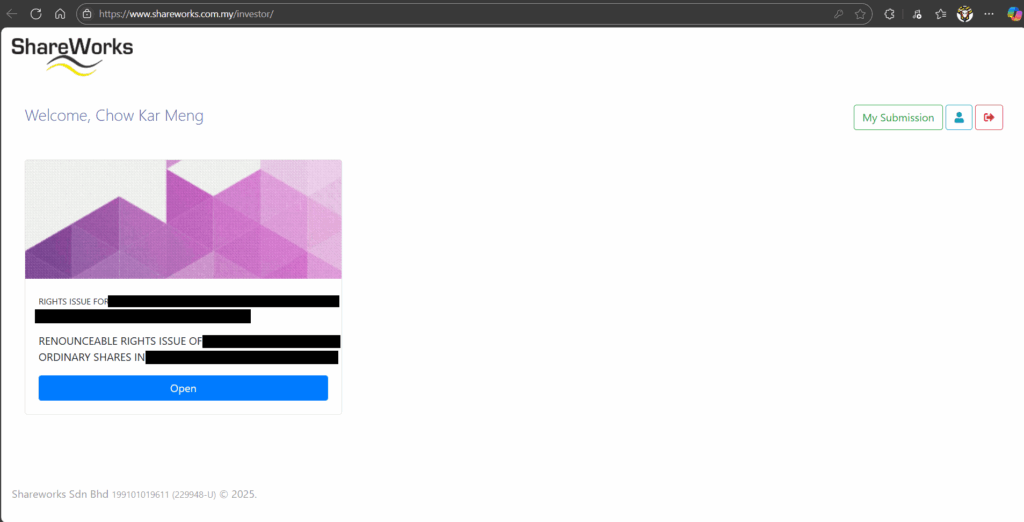
Once the account is done, time to login to the Shareworks website and proceed to perform subscription to right issue. If everything is good you should see the right issue on the Sharework in your account.
Right issue in your account
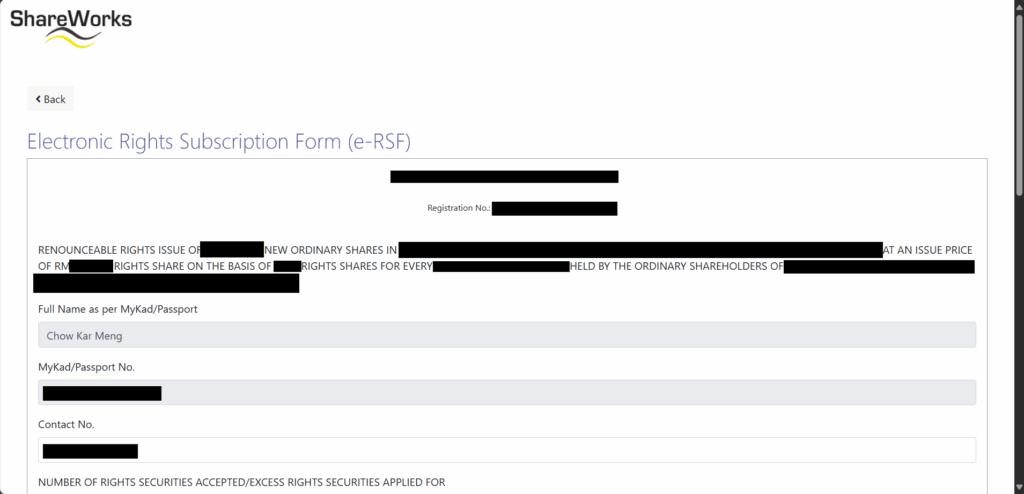
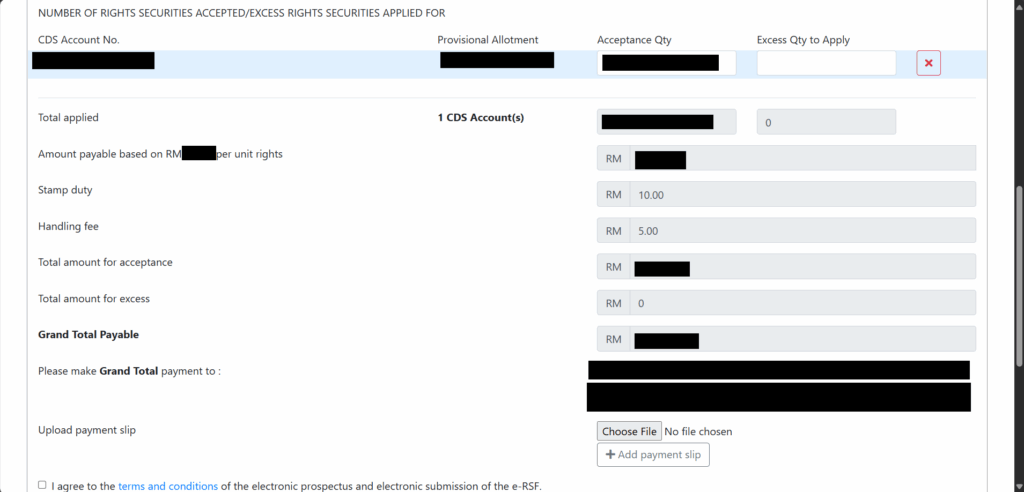
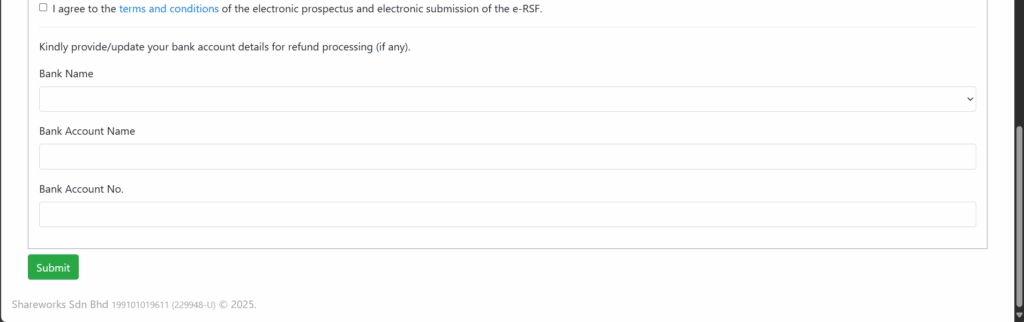
Fill up the e-form.
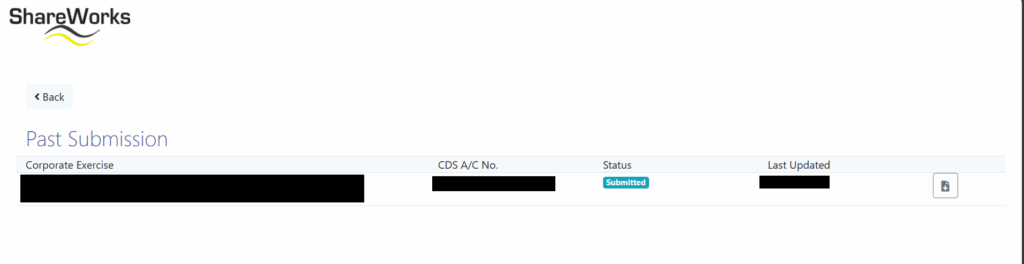
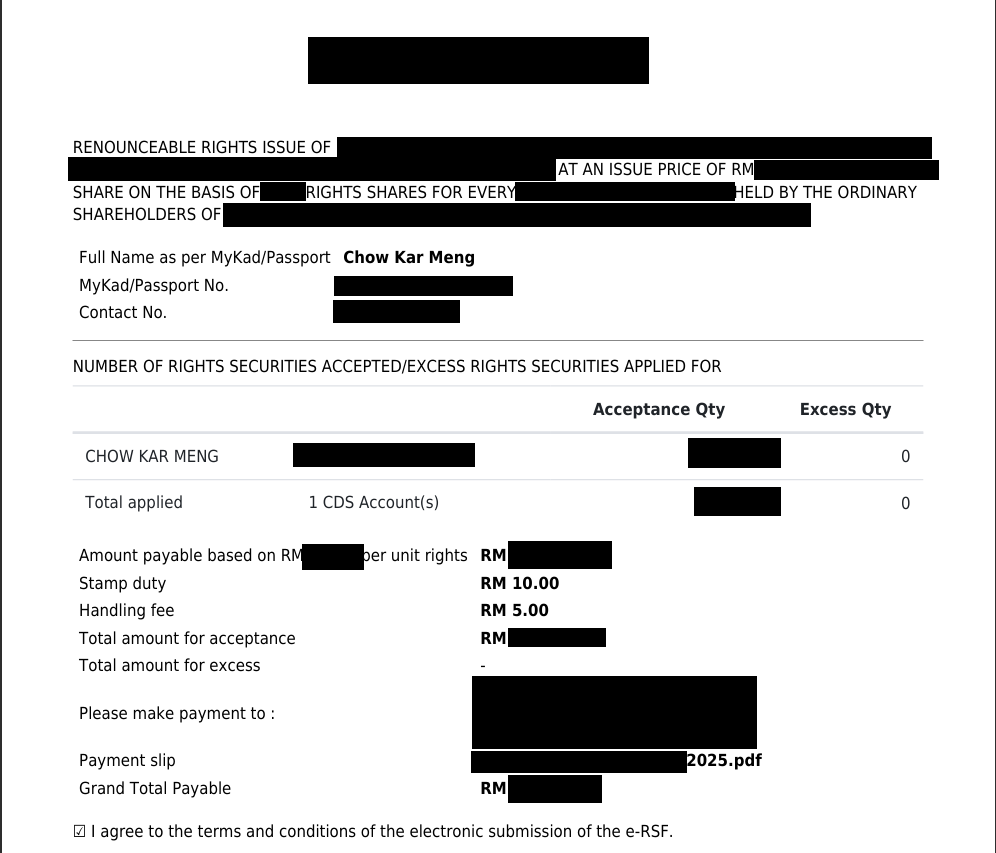
This part of the e-form are autofilledFill up the numbers of shares of right issue, make payment based on the instructions given on the right column “Please make Grand Tota payment in”Fill up your banking account incase refund of your purchase should your subscription is unsuccessfulUpon submitting your subscription, status will show submittedDownload and verify submitted e-form
Follow up with the contact in sharework a few working day later to check the status.
Subscribe into right issue is a good learning experience. However, the discounted price right issue however is not too far off from the lower price of the ordinary share in the share market. It is due to my lack of experience in the share market works. A large bulk of the discount is offset by the bidding to earn right to subscription of right issue.