PG Unleased Gundam RX-78-2 Overview in youtube
Reply


Definitely larger than the MGSD Gundam Barbatos. It comes with 13 runners the wings are definitely larger and heavier, more imposing than the finish Wing Gundam figure. Would recommend display this figure with a display stand. Unfortunately, this model kit does not include display stand.
Continue reading
Max Factory had released an interesting model kit based on the Berserk anime/manga character, Guts Berserker Armor version.
Original finish of the model is shiny black plastics is a good based to be used as a based without primer to make the figure better.
Continue readingGovernment subsidized health system helps a lot of my fellow countrymen to get health care.
To navigate the public health system is a bit overwhelming.
The pre-requisite will be but not limited to (Yes in order of priority):
Most important is to identify the local health clinic at your area of residence (Klinik Kesihatan in Malay language).
In order to be registered and admitted into the clinic make sure that you are Malaysia Citizen, whipped out your national issued identity card.
In order to get specialist in the main hospital, aka GH aka Hospital Pulau Pinang. It is imperative to get a referral letter from the health clinic (Klinik Kesihatan).

Then go to the specific specialized clinic in Hospital Pulau Pinang, do check around with staffs around. From my experience, the specialist clinics will start opening at 7am to 8am.
For the specialist clinics to set your case from referral letter, you need to bring along the referral letter obtained. Talk to the registration counter staffs, it will open a new case in the clinic, a new paper slip will be given. Do not expect the specialist be available for new cases. An appointment date will be given, usually in a paper slip.

Make sure you drop the referral letter with the slip into pigeon-hole on the day of the appointment. Please check with the staffs.
Due to the numbers of patient daily, it is recommended that only one appointment is done in one day.
Here is the generic flow chart at the time of this post.

This post is not a conclusive article on how Malaysian health system works but as a general guideline on how to get help from my personal experience gained from May 2024 till Dec 2024.
This post is based on reference to Use instance metadata to manage your EC2 instance – Amazon Elastic Compute Cloud
Metadata is a powerful tool for AWS users. It allows users to make query of data describing EC2 instances, and making a self reference API call.
By default any linux AMI will have curl build in, hence using of metadata will be simplified.
One of the best test case is automating input into shell script that will requires a lot of user prompt is automating or at least make configuration of setting up openvpn using AWS Lightsail easier.
!#/bin/bash
sudo chmod 777 ./openvpn-install.sh
sudo ./openvpn-install.sh << INPUT


y
1
1
11
n
n

client
1

INPUT
sudo cp /root/client.ovpn /home/ubuntu
sudo chmod 777 /home/ubuntu/client.ovpn
Above shell script will cause the openvpn-install.sh to fail in AWS, as the script does not provide public and local ip of the instance.
Below script are including the AWS Metadata
!#/bin/bash
TOKEN=`curl -X PUT "http://169.254.169.254/latest/api/token" -H "X-aws-ec2-metadata-token-ttl-seconds: 21600"`
PUBLICIP=`curl -X GET "http://169.254.169.254/latest/meta-data/public-ipv4" -H "X-aws-ec2-metadata-token: $TOKEN"`
LOCALIP=`curl -X GET "http://169.254.169.254/latest/meta-data/local-ipv4" -H "X-aws-ec2-metadata-token: $TOKEN"`
sudo chmod 777 ./openvpn-install.sh
sudo ./openvpn-install.sh << INPUT
$LOCALIP
$PUBLICIP
y
1
1
11
n
n

client
1

INPUT
sudo cp /root/client.ovpn /home/ubuntu
sudo chmod 777 /home/ubuntu/client.ovpn
By adding the metadata the ovpn file will be populated with correct IP.
AWS Metadata allow automation to be made simpler by running scripts that requires self-reference metadata to configure newly booted up EC2 instance(s).
This post is based on terraform tutorial Build infrastructure | Terraform | HashiCorp Developer
Make sure AWSCli being installed and configured correctly (aws configure). Make sure IAM user are configured with AWS role, AWS Access key ID and AWS Secret Access Key.
Use the ami catalog, to determine the ami ID, then after make necessary changes run the init
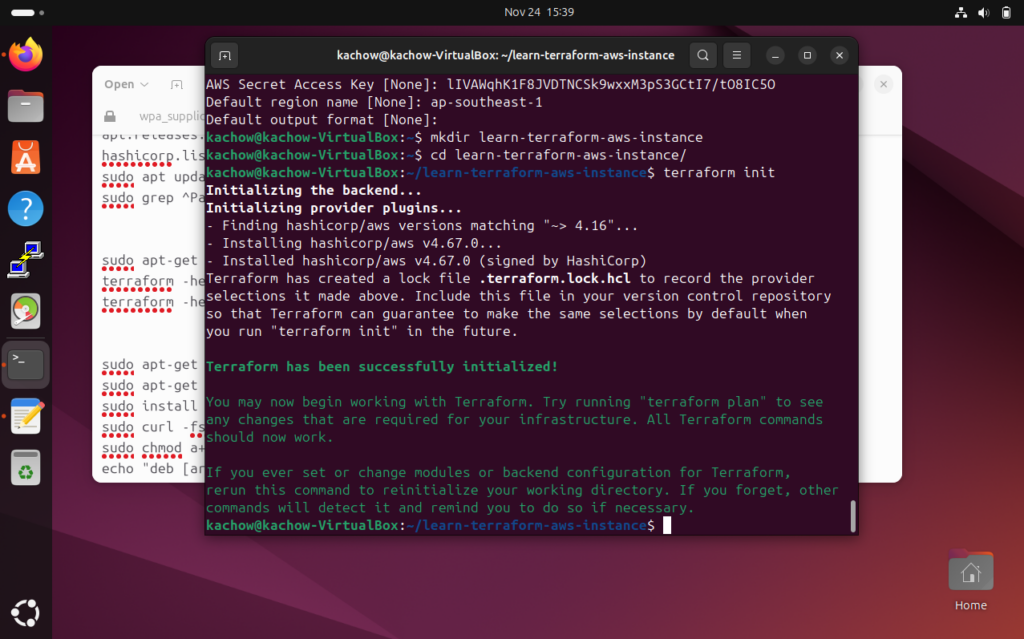
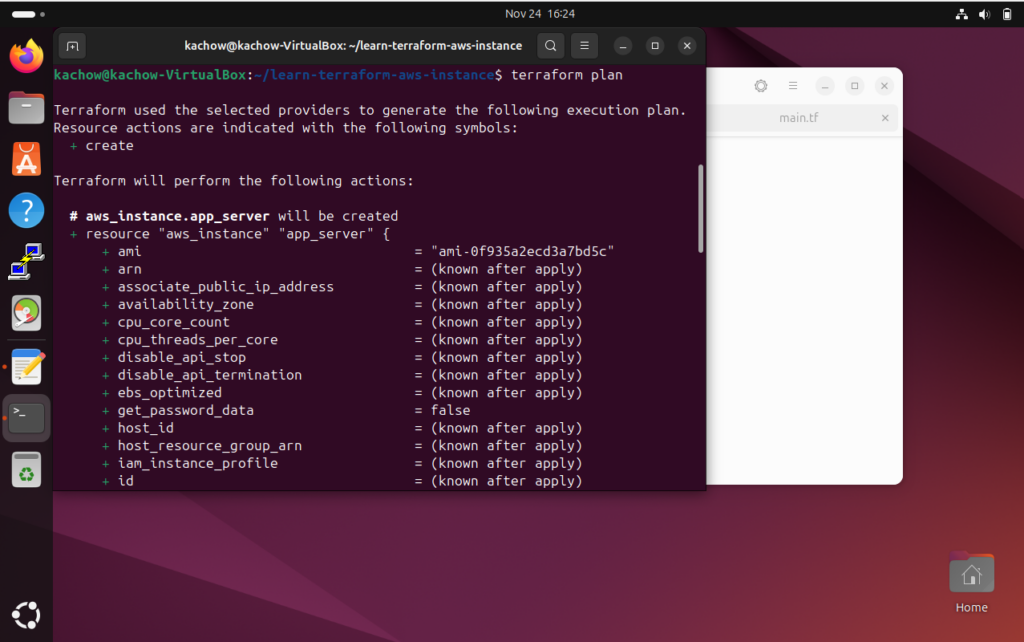
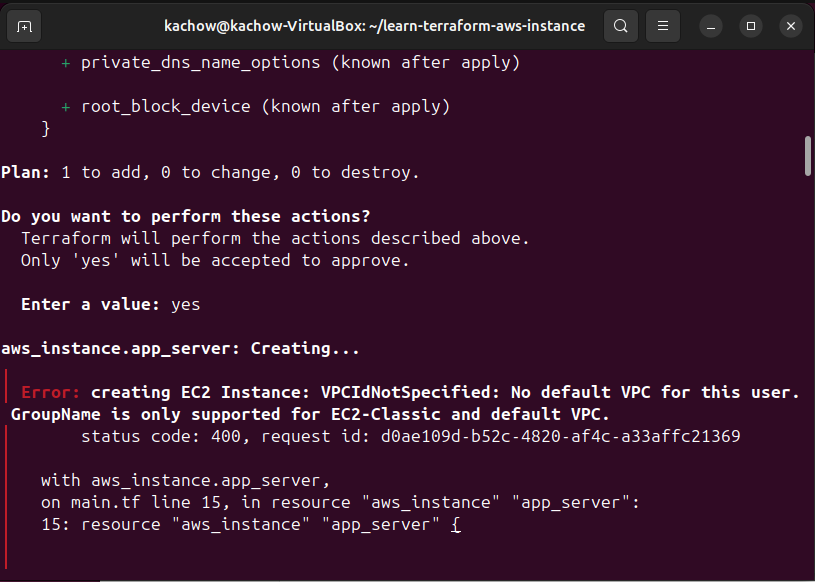
To solve this VPC and subnet needs to be created first.
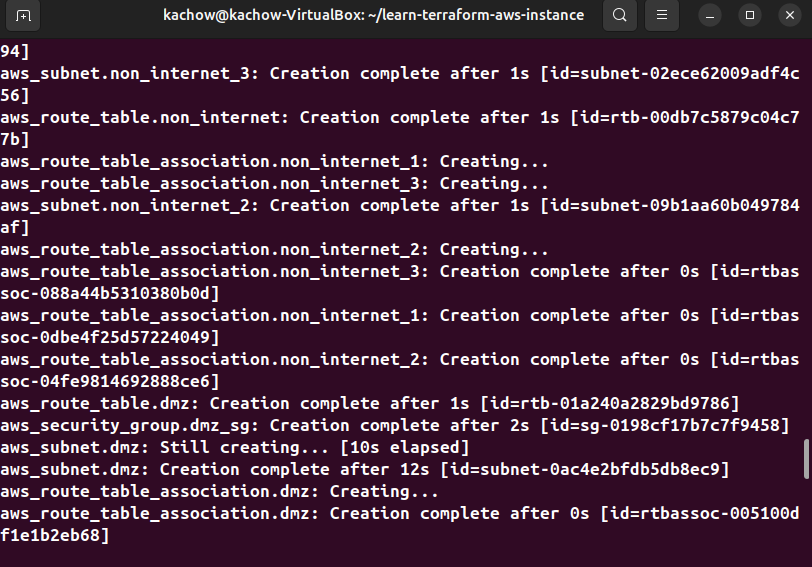
Make small change to the EC2 instance of terraform file.
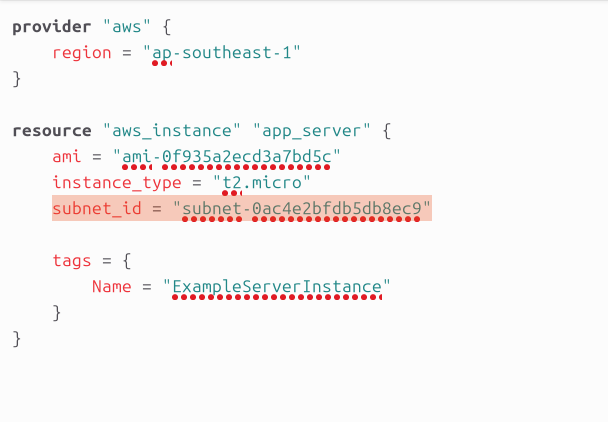
Rerun the terraform init, terraform plan, terraform validate before rerunning terraform apply, then type yes.
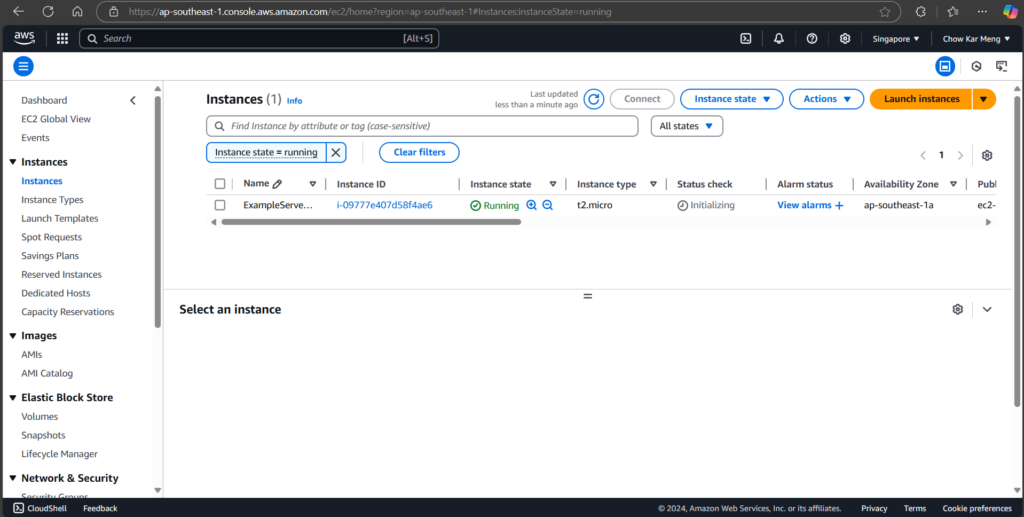
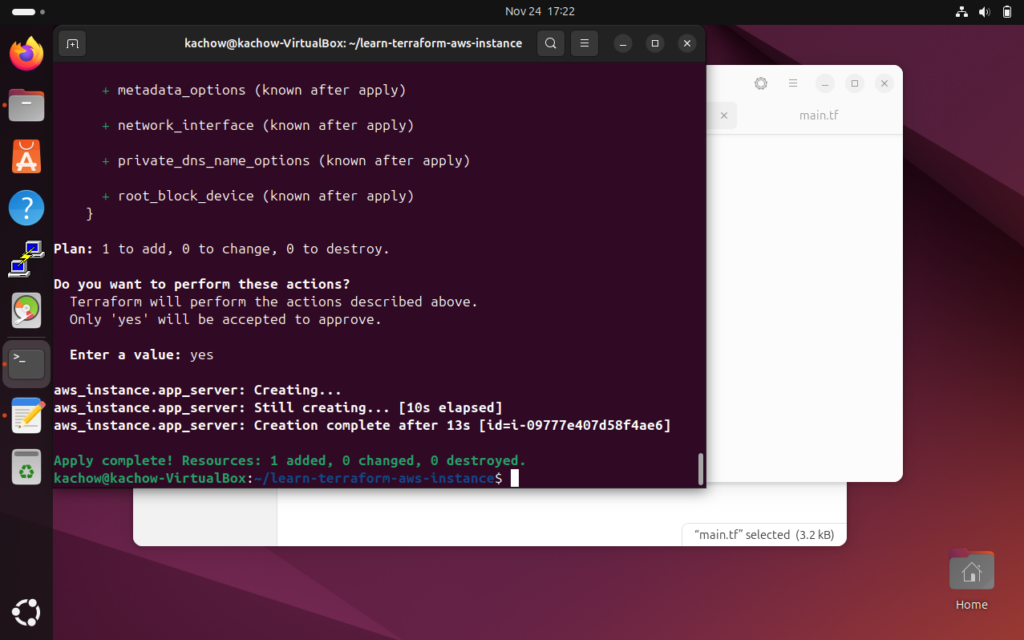
To clean up the experiment to avoid paying more, start by destroying the instance then the VPC.
Terraform code is available at https://bitbucket.org/KarMeng/terraform_aws
All the experience in this post is based on Install Terraform | Terraform | HashiCorp Developer
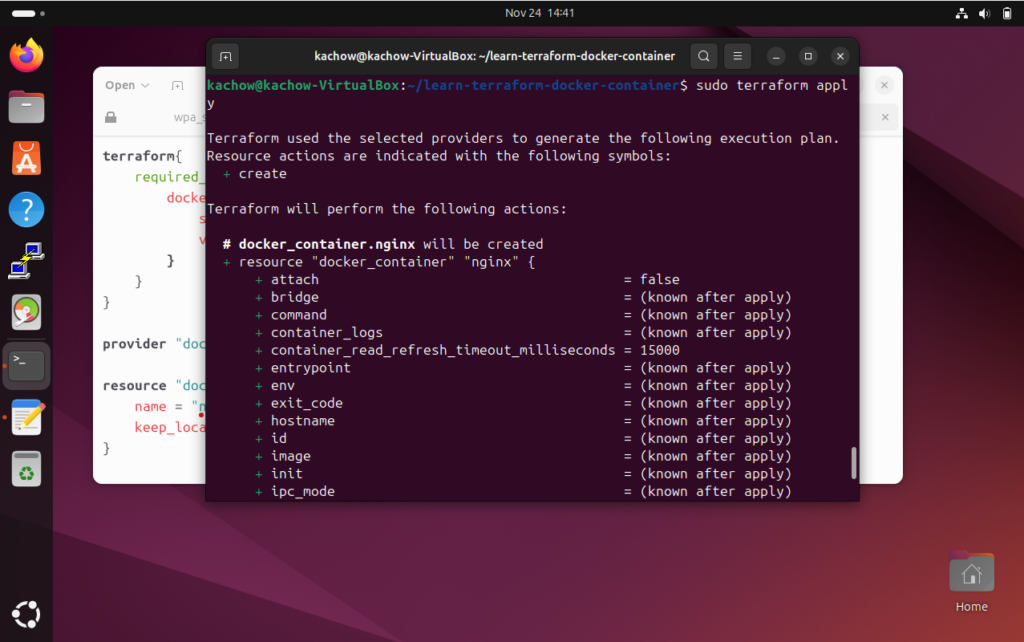
Feels like running ansible but simpler, as the tutorial of quickstart runs on docker engine.
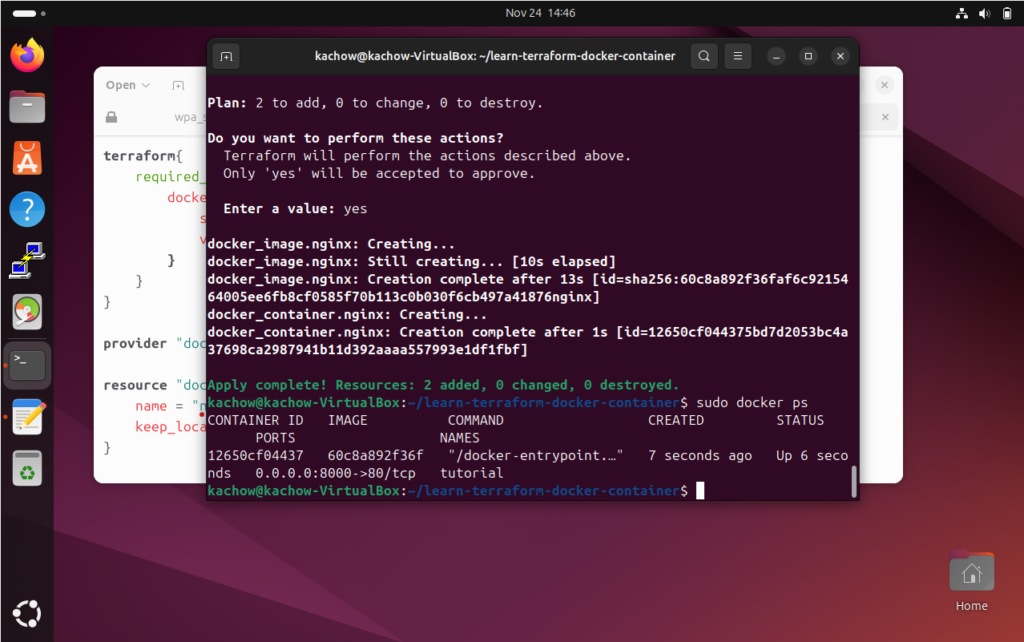
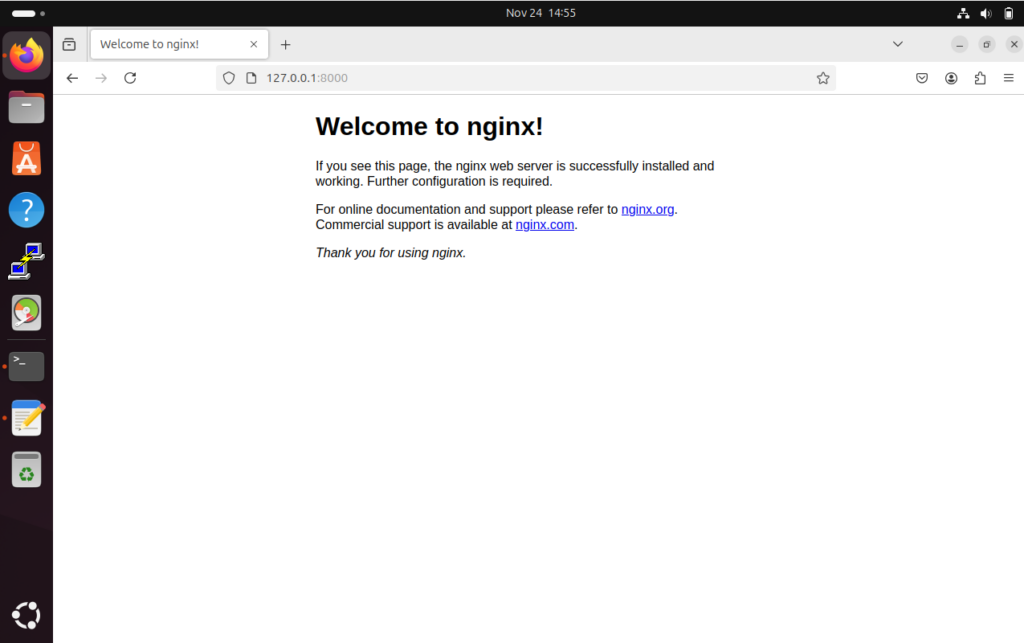
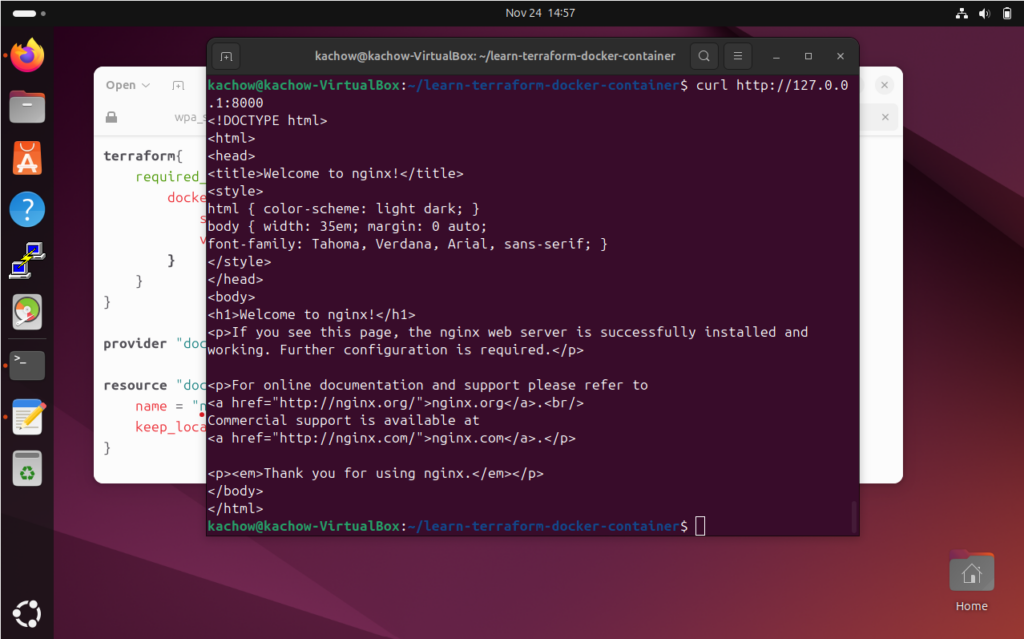
Further confirmation running browser to browse the site.

This was a long overdue build, bought it in 2014. Managed to find time to build.
Comes with interesting illustrations as well as instructions.
Continue readingHave added changes to incorporate both generating AWStats logs and starting up AWStats service in a single docker compose file at KarMeng / docker_awstats — Bitbucket
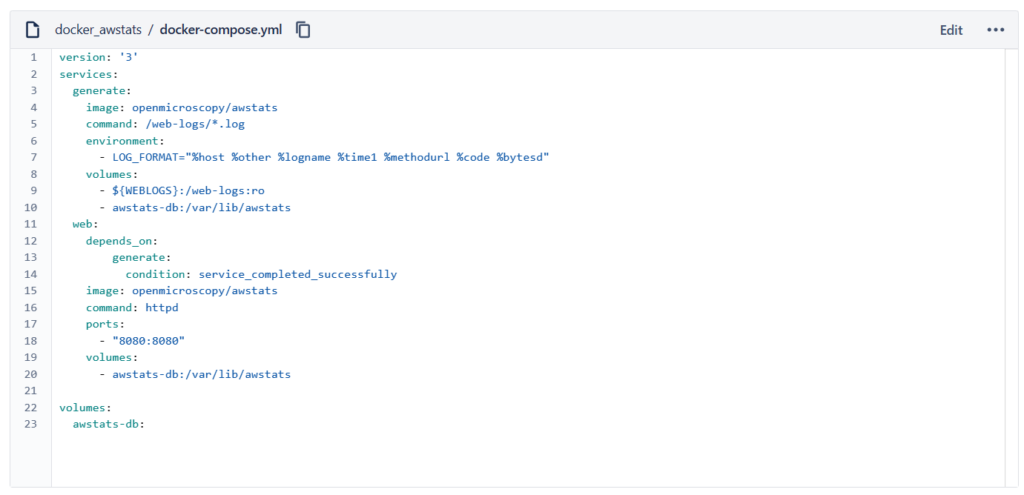
This is an easy and simple example that beginners can use to generate web statistics using AWStats.
Required softwares:
Hashicorp Vagrant 2.4.1
Oracle VirtualBox 7.0.14
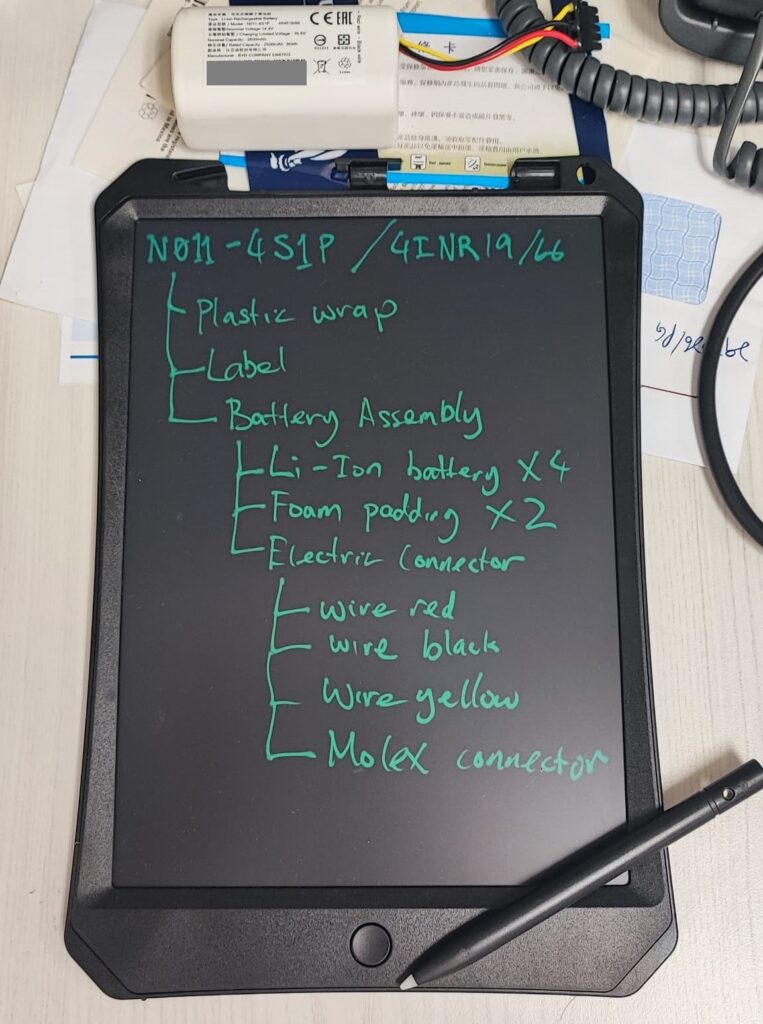
The example given is not an exhaustive nor is it a complete BOM for the MI vacuum robot battery.
Continue reading